FLOW Scripts
This section explains how to create FLOW scripts for use in OUTBOUND campaigns. See the FLOW User Guide for full instructions on using the functionality described in this section.
A FLOW script defines the workflow used to handle an outbound call or message.
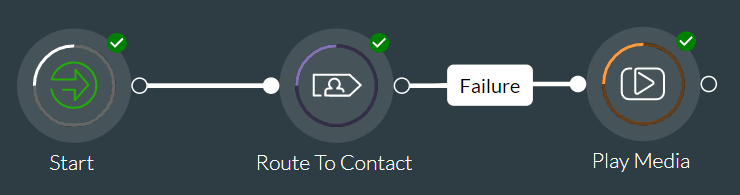
- For live-voice campaigns, it defines how calls generated by the system should be routed via a queue to an agent, and further treated if the call is not connected to an available agent within the maximum wait time specified for the relevant outbound queue.
- For agent-free campaigns, it specifies the message to be sent or played.
- For both types of campaign, the FLOW script provides the pacing profile to be used.
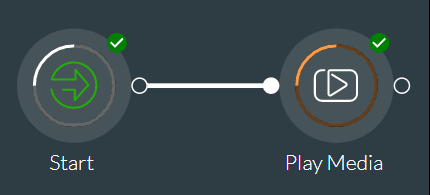
Different action cells are used, depending on whether the FLOW script is for a live-voice campaign or an agent-free campaign, examples of which are shown below.
|
Live-voice campaign with a Play Media action cell |
|
|
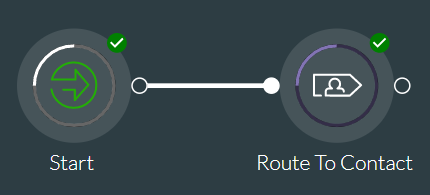
Live-voice preview campaign |
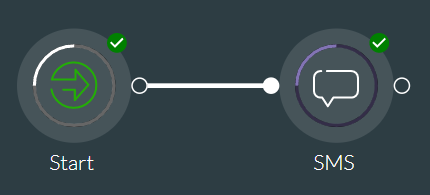
Agent-free SMS campaign |
|
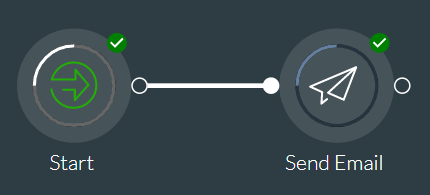
Agent-free Send Email campaign |
Agent-free Play Media campaign |
Once saved and committed to a version, the FLOW script is associated with a campaign using STUDIO. There is a one-to-one relationship between a FLOW script and a campaign. The name you give to your FLOW script when you save it is the name given to the campaign when you set it up using STUDIO.