Call Cap Pacing Profile
Call cap pacing profiles allow you to set a maximum number of simultaneous outbound calls. This maximum is applied across all queues used by the outbound campaign.
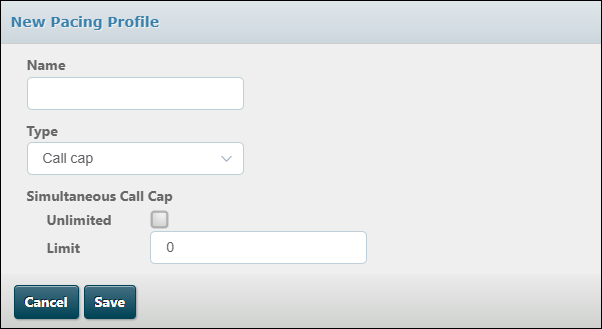
To set a maximum number of calls for the selected queue, clear the Unlimited check box, then enter the number into the field that appears. If you leave the Unlimited check box selected, the system will allow the campaign to make as many outbound calls as the organisation cap permits.